Is Your Business Still Running Windows 10?
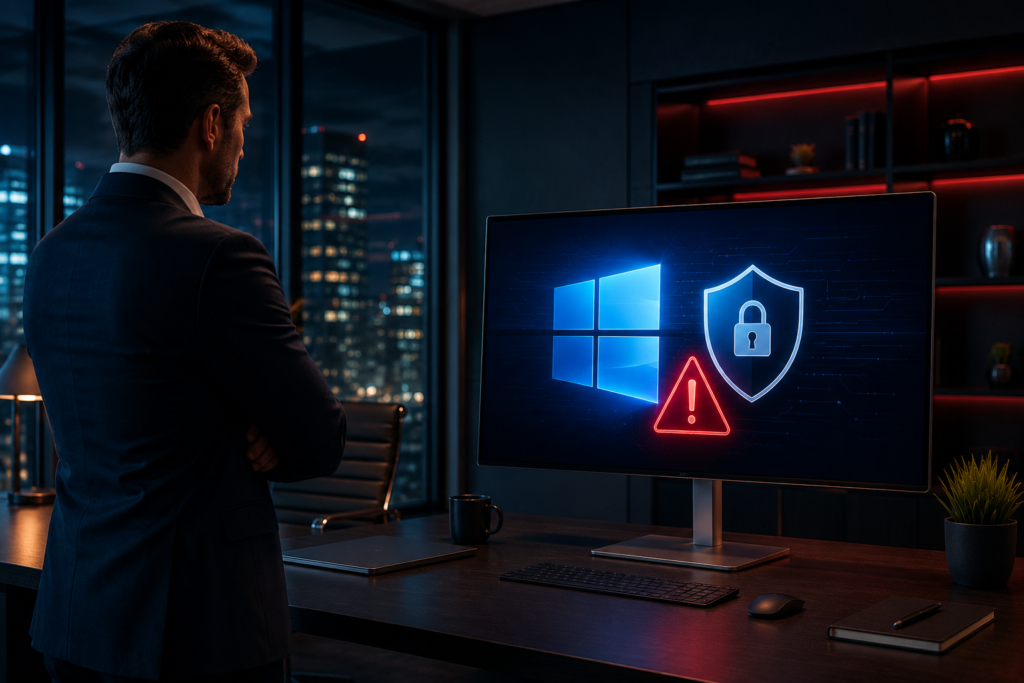
If your business still uses Windows 10, you may be exposing your systems to security risks.
For years, Windows 10 powered everything from email and accounting software to customer management systems. It was the backbone of daily operations for many businesses.
But Microsoft officially ended support for Windows 10 on October 14, 2025.
Your computers will still work. However, they will no longer receive security updates, bug fixes, or technical support from Microsoft.
That creates new risks you should not ignore.
What Does “End of Support” Mean?
End of support does not mean your computer stops working.
It means Microsoft will no longer provide:
- Security updates
- Bug fixes
- Technical support
- New features
Over time, unsupported systems become more vulnerable to cyber threats and software issues. Think of it like a vehicle that no longer gets safety updates. It may still run — but the risk grows every year.
Why This Matters for Businesses
Cybercriminals often target outdated software. They look for systems that no longer receive updates.
Without security patches, your business becomes more vulnerable to:
- Malware attacks
- Ransomware
- Data breaches
- Phishing attacks
- Compliance issues
If your business handles customer data, financial records, or sensitive information, these risks can be severe.
The Biggest Risks of Staying on Windows 10
Increased Security Threats
Cybercriminals target outdated software. When hackers find new vulnerabilities in Windows 10, Microsoft will no longer release patches to fix them.
This raises the risk of:
- Malware infections
- Ransomware attacks
- Data breaches
- Unauthorized access
If your business handles customer data or financial records, these threats can be very costly.
Compliance Concerns
Many industries have data protection requirements. Running unsupported software could create compliance issues depending on your industry. Even if compliance is not currently a concern, security best practices recommend using supported operating systems.
Software Compatibility Issues
Software vendors will gradually stop supporting Windows 10. You may start to see:
- Application errors
- Missing features
- Compatibility problems
- Reduced performance
The longer you wait to upgrade, the more likely these problems become.
Higher IT Costs
Waiting until something breaks is almost always more expensive than planning ahead. Emergency upgrades, unexpected downtime, and security incidents cost far more than a scheduled migration.
How to Check if Your Computer Can Run Windows 11
Before buying new hardware, check whether your current devices can run Windows 11.
You can:
- Run Microsoft’s PC Health Check tool
- Review your device specifications
- Ask your IT provider
Many newer devices already meet Windows 11 requirements. You may be able to upgrade without buying new hardware at all.
Your Options Moving Forward
Your Options Moving Forward
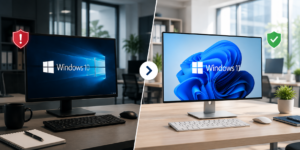
Option 1: Upgrade to Windows 11
If your devices meet the requirements, upgrading to Windows 11 is often the most cost-effective path.
Benefits include:
- Continued security updates
- Improved built-in security features
- Better performance
- Ongoing software compatibility
For most businesses, this is the simplest solution.
Option 2: Replace Older Computers
Some devices are too old to support Windows 11. In that case, replacing them may offer the best long-term value.
Newer computers provide:
- Faster performance
- Stronger security
- Better reliability
- A longer support lifecycle
Option 3: Extended Security Updates (ESU)
Microsoft offers an ESU program for businesses that need extra time to transition. This gives you temporary security coverage — but it is not a permanent fix.
Signs It’s Time to Upgrade Now
Upgrading should be a priority if any of these apply to your business:
- Your computers are more than five years old
- Employees regularly deal with performance issues
- You store customer or financial data
- You rely on Microsoft 365 applications
- Your devices need frequent IT support
Delaying upgrades increases both your risk and your costs.
A Simple Windows 11 Migration Checklist
Work through this checklist before making any changes:
- ✔ Back up all important files and business data
- ✔ Review your critical software and applications
- ✔ Check Windows 11 compatibility for each device
- ✔ Identify devices that need replacement
- ✔ Create a migration timeline
- ✔ Schedule upgrades outside business hours
- ✔ Test business-critical applications after upgrading
A planned transition reduces downtime and disruptions.
Common Questions From Business Owners
“My computer still works. Why should I upgrade?” Your computer may still function, but unsupported systems become more vulnerable to security threats and compatibility issues over time.
“Can I keep using Windows 10?” Yes — but doing so increases risk. Your system no longer receives regular security updates.
“Will I lose my files during the upgrade?” A well-planned upgrade should preserve your files. That said, you should always back up your data before making any changes.
“Do I need to replace every computer?” Not necessarily. Some devices can be upgraded to Windows 11. Others may need replacement depending on their hardware.
What This Means for Your Business
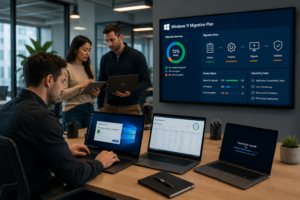
The end of Windows 10 support is not a reason to panic. It is a reason to act.
Businesses that plan ahead reduce security risks, avoid unexpected downtime, and keep using the tools they depend on every day. Whether you upgrade existing devices or replace aging hardware, taking action now will protect your business for years to come.
Need Help Evaluating Your Systems?
Not sure if your devices are ready for Windows 11?
Venice Web Design can help assess your current setup, identify risks, and recommend the best path forward for your business.
Reach out today to schedule a technology review.
Frequently Asked Questions
When did Windows 10 support end?
Microsoft officially ended support for Windows 10 on October 14, 2025. Since that date, the operating system has no longer received regular security updates, bug fixes, or technical support from Microsoft.
Will my Windows 10 computer stop working?
No. Your computer will continue to function after support ends.
However, it will no longer receive important security updates or technical support, which can increase security and compatibility risks over time.
Can I upgrade to Windows 11 for free?
In many cases, yes.
Eligible Windows 10 devices can upgrade to Windows 11 at no additional cost. Whether your device qualifies depends on its hardware specifications and Microsoft’s compatibility requirements.
What is Microsoft’s Extended Security Updates (ESU) program?
The Extended Security Updates (ESU) program provides additional security updates for Windows 10 devices after support has ended.
While ESU can help businesses that need extra time to transition, it is intended as a temporary solution rather than a long-term strategy.
Is Windows 11 more secure than Windows 10?
Yes.
Windows 11 includes enhanced security features designed to protect against modern cybersecurity threats. It also continues to receive regular security updates and support from Microsoft, making it the safer option for businesses moving forward.