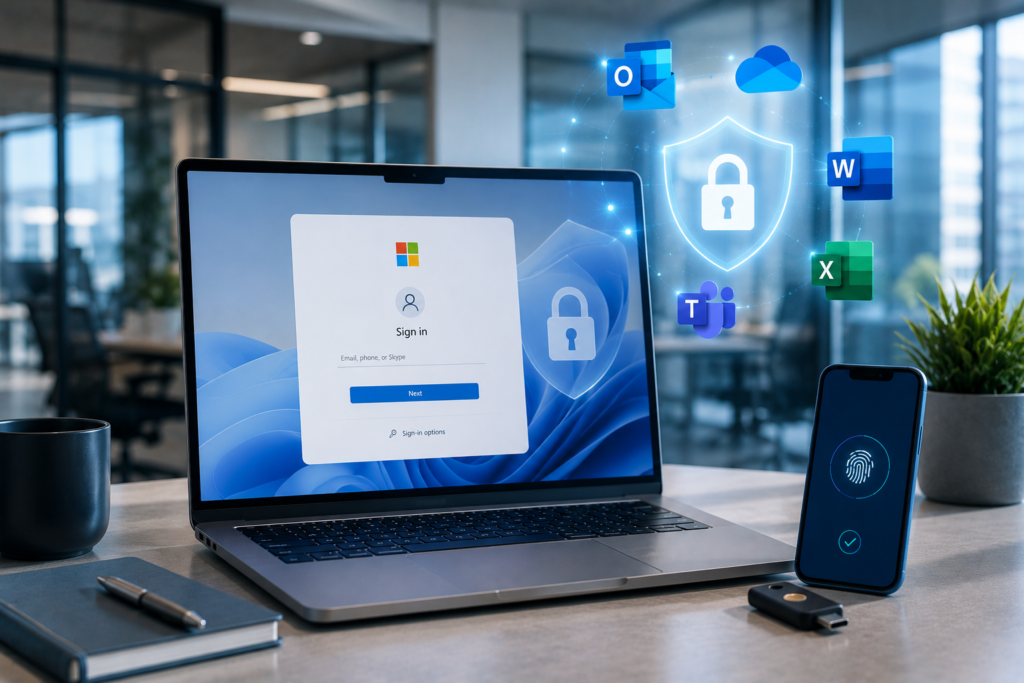
Are Passwords Still Safe?
Passwords have protected business accounts for decades.
Today, they are also one of the biggest security risks.
Cybercriminals continue to find new ways to steal passwords through phishing emails, data breaches, and credential leaks. Even strong passwords become a risk when employees reuse them across multiple accounts.
Because of these growing threats, businesses are moving toward a more secure way to sign in.
The future is passwordless authentication.
Why Traditional Passwords Are Becoming a Problem
Many businesses still rely on password habits that increase security risks without realizing it.
Common examples include:
- Weak passwords
- Shared accounts
- Password reuse across multiple services
- Passwords written on sticky notes or stored in unsecured documents
These habits make it easier for attackers to gain unauthorized access to business systems.
Even if your business uses complex passwords, a single compromised account can expose sensitive information.
What Is a Passkey?
A passkey is a modern replacement for a traditional password.
Instead of typing a password, users verify their identity using a trusted device.
This might include:
- Fingerprint recognition
- Face recognition
- Device PIN
- Security key
Because there is no password to steal, passkeys are much more resistant to phishing attacks and credential theft.
Why Businesses Are Switching to Passkeys
Passwordless authentication is about more than convenience.
It helps businesses strengthen security while making it easier for employees to sign in.
Some of the biggest benefits include:
- Reduced phishing risks
- No password reuse
- Stronger account security
- Faster sign-in experience
- Fewer password reset requests
- Better user experience
As a result, more organizations are adopting passwordless authentication as part of their cybersecurity strategy.
Microsoft 365 Already Supports Passwordless Sign-In
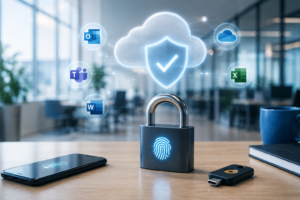
If your business uses Microsoft 365, you may already have access to passwordless authentication features.
Microsoft currently supports:
- Windows Hello
- Microsoft Authenticator
- FIDO2 Security Keys
- Passkeys
With the right configuration, employees can sign in faster while improving account security.
How to Prepare Your Business
Moving to passwordless authentication does not have to happen all at once.
Start by reviewing your current security settings and identifying where improvements can be made.
Consider these best practices:
- Enable multi-factor authentication (MFA)
- Review administrator accounts
- Remove inactive users
- Enable passwordless sign-in where supported
- Train employees to recognize phishing attempts
- Review authentication policies regularly
Small improvements today help reduce security risks tomorrow.
Why This Matters for Your Business
Cyber threats continue to evolve, and stolen passwords remain one of the most common ways attackers gain access to business systems.
By adopting modern authentication methods, your business can better protect employee accounts, customer information, and sensitive company data.
Improving login security is not only about preventing attacks. It also helps create a faster and more reliable experience for your team.
How Venice Web Design Can Help
Venice Web Design helps businesses improve Microsoft 365 security through secure authentication, passwordless sign-in, and access management.
Our team can help you:
- Review your Microsoft 365 security settings
- Enable passwordless authentication
- Configure secure access policies
- Strengthen account protection
- Improve your overall Microsoft 365 security posture
Our goal is simple.
Help your business stay secure while making everyday sign-ins easier for your team.
Ready to Improve Your Login Security?
Passwordless authentication is becoming the new standard for business security.
If you’re unsure whether your Microsoft 365 environment is configured correctly, we’re here to help.
Schedule a free Microsoft 365 security review and discover practical ways to strengthen your business.
Frequently Asked Questions
What is a passkey?
A passkey is a secure sign-in method that replaces traditional passwords with biometric authentication, a device PIN, or a security key.
Are passkeys more secure than passwords?
Yes. Because there is no password to steal, passkeys provide stronger protection against phishing attacks and credential theft.
Does Microsoft 365 support passwordless sign-in?
Yes. Microsoft 365 supports passwordless authentication through Windows Hello, Microsoft Authenticator, FIDO2 Security Keys, and passkeys.
Can small businesses use passkeys?
Absolutely. Businesses of all sizes can benefit from passwordless authentication, especially those using Microsoft 365.
Do passkeys replace multi-factor authentication?
Not always. In many cases, passkeys work alongside other security measures to provide stronger protection and a better user experience.